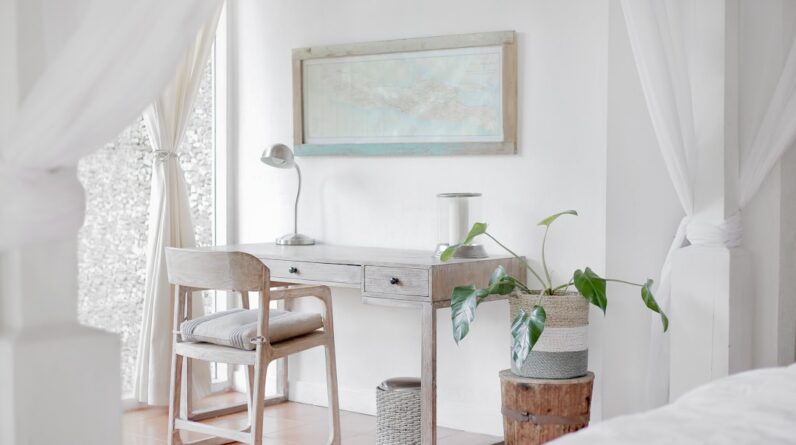
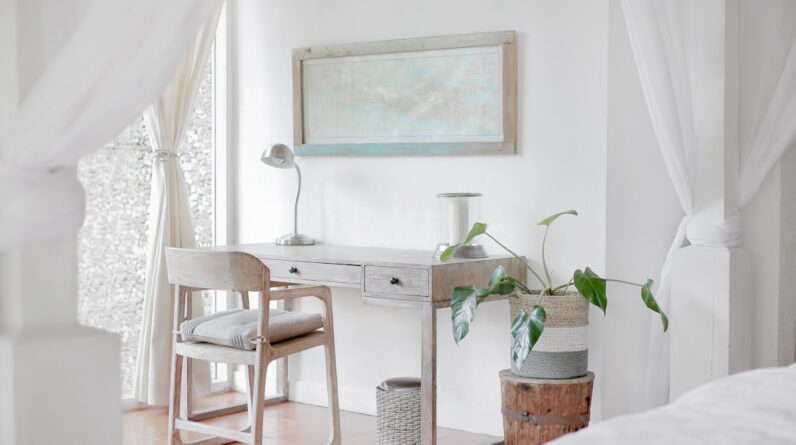
When it comes to setting up your workspace, the first and perhaps most crucial step is choosing the right location. You want a space that not only inspires productivity but also allows you to focus without unnecessary interruptions. Ideally, this should be a quiet area in your home or office where you can establish a sense of separation from the rest of your daily activities.
Consider factors such as natural light, noise levels, and proximity to distractions. A corner of a room with a window can provide both light and a view, which can enhance your mood and creativity. Moreover, think about the accessibility of your chosen location.
You want to ensure that it is convenient for you to reach, especially if you plan to spend long hours working there. If you have children or pets, you might want to select a spot that minimizes their potential for distraction. A dedicated room or a nook that can be closed off may be ideal, allowing you to create a boundary between work and personal life.
Ultimately, the right location will serve as a foundation for your productivity, setting the tone for how effectively you can work.
Key Takeaways
- Choose a location with minimal distractions and good natural light for your home office
- Select ergonomic and functional furniture that suits your work needs and space constraints
- Create a distraction-free environment by minimizing clutter and noise in your home office
- Incorporate proper lighting to reduce eye strain and improve productivity in your workspace
- Organize and declutter your home office space to create a more efficient and pleasant work environment
Selecting the Right Furniture
Once you’ve identified the perfect location for your workspace, the next step is selecting the right furniture. The furniture you choose will play a significant role in your comfort and efficiency while working. Start with a desk that suits your needs—whether it’s a traditional desk with drawers for storage or a minimalist table that allows for more open space.
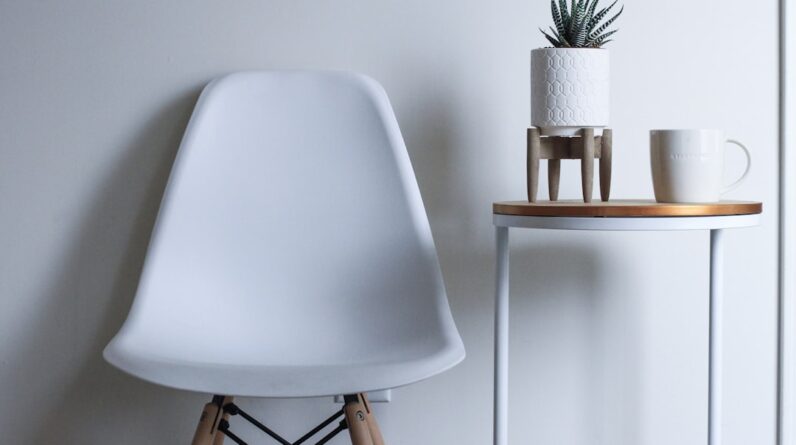
Consider the size of your workspace; you want to ensure that your desk fits comfortably without overwhelming the area. In addition to the desk, selecting an ergonomic chair is essential for maintaining good posture and preventing discomfort during long hours of work. Look for chairs that offer adjustable height, lumbar support, and comfortable cushioning.
You might also want to consider adding shelves or storage units to keep your workspace organized and clutter-free. The right furniture not only enhances functionality but also contributes to the overall aesthetic of your workspace, making it a place where you enjoy spending time.
Creating a Distraction-Free Environment

Creating a distraction-free environment is vital for maintaining focus and productivity. To achieve this, start by identifying potential distractions in your workspace. This could include noise from outside, clutter on your desk, or even digital distractions from your devices.
One effective strategy is to use noise-canceling headphones or play soft background music to drown out disruptive sounds. If possible, choose a location that is away from high-traffic areas in your home or office. Additionally, consider implementing a “do not disturb” policy during your work hours.
Communicate with family members or roommates about your need for uninterrupted time, and set boundaries that allow you to concentrate fully on your tasks. You might also want to establish specific work hours and stick to them, creating a routine that signals to others when you are unavailable. By taking these steps, you can cultivate an environment that fosters deep focus and enhances your overall productivity.
Incorporating Proper Lighting
Lighting plays a crucial role in creating an inviting and functional workspace. Poor lighting can lead to eye strain and fatigue, making it difficult for you to concentrate on your tasks. Ideally, you should take advantage of natural light as much as possible; positioning your desk near a window can provide ample illumination during the day.
However, be mindful of glare on your computer screen and adjust your setup accordingly. In addition to natural light, consider incorporating various types of artificial lighting to create a well-lit environment. A combination of overhead lighting and task lighting can help illuminate your workspace effectively.
Desk lamps with adjustable brightness levels are particularly useful for providing focused light when needed. Warm-toned bulbs can create a cozy atmosphere, while cooler tones may enhance alertness. By thoughtfully incorporating lighting into your workspace, you can create an environment that supports both comfort and productivity.
Organizing and Decluttering the Space
An organized and decluttered workspace is essential for maintaining focus and efficiency. When your environment is tidy, it becomes easier to find what you need and stay on task. Start by assessing the items on your desk and removing anything that isn’t necessary for your current projects.
This could include old papers, unused supplies, or personal items that may distract you from work. To maintain organization, consider implementing storage solutions such as filing cabinets, drawer organizers, or desktop trays. Labeling these storage options can further streamline your workflow by making it easy to locate items quickly.
Additionally, establish a routine for decluttering—perhaps at the end of each week—so that your workspace remains conducive to productivity over time. By prioritizing organization and decluttering, you create an environment that promotes clarity of thought and efficiency in completing tasks.
Adding Personal Touches

Personalizing Your Space
While functionality is key in creating an effective workspace, adding personal touches can make the environment feel more inviting and inspiring. Personalizing your space allows you to express yourself and create an atmosphere that resonates with you on a deeper level. Consider incorporating artwork, photographs, or motivational quotes that inspire you or reflect your personality.
Bringing in Nature
Plants are another excellent way to add life to your workspace while improving air quality. A small potted plant or succulent can bring a touch of nature indoors and create a calming effect.
Using Color to Uplift
Additionally, consider using colors that uplift your mood; whether it’s through wall art or decorative items, these elements can enhance your overall experience in the space.
By infusing personal touches into your workspace, you create an environment that feels uniquely yours and encourages creativity.
Considering Ergonomics
Ergonomics is an essential aspect of designing a workspace that promotes health and comfort during long hours of work. Poor ergonomics can lead to discomfort and even chronic pain over time, so it’s crucial to pay attention to how you set up your workstation. Start by adjusting your chair height so that your feet rest flat on the floor and your knees are at a 90-degree angle.
Your desk should be at a height where your elbows are also at 90 degrees when typing. Additionally, consider the placement of your computer screen; it should be at eye level to prevent neck strain. If you use multiple monitors, ensure they are positioned at the same height and distance from you to avoid unnecessary twisting or leaning.
Investing in ergonomic accessories such as keyboard trays or wrist supports can further enhance comfort while working. By prioritizing ergonomics in your workspace design, you not only improve comfort but also boost productivity by reducing fatigue.
Incorporating Technology for Connectivity
In today’s digital age, incorporating technology into your workspace is essential for staying connected and efficient. Start by ensuring that you have reliable internet access; this is crucial for communication with colleagues and accessing online resources. Consider investing in a good-quality router if you’re working from home to minimize connectivity issues.
Additionally, think about the tools and software that can enhance your productivity. Project management apps, communication platforms like Slack or Microsoft Teams, and cloud storage solutions can streamline collaboration with others and keep you organized. If you frequently attend virtual meetings, investing in a good webcam and microphone can significantly improve the quality of your interactions.
By thoughtfully incorporating technology into your workspace, you create an environment that supports connectivity and enhances overall productivity. In conclusion, creating an effective workspace involves careful consideration of various elements—from choosing the right location to incorporating technology for connectivity. By focusing on these aspects, you can design an environment that not only enhances productivity but also reflects your personal style and preferences.
Whether you’re working from home or in an office setting, taking the time to optimize your workspace will ultimately lead to greater satisfaction and success in your professional endeavors.
FAQs
What are the key factors to consider when designing a home office for remote work?
Key factors to consider when designing a home office for remote work include ergonomic furniture, good lighting, a dedicated workspace, and a clutter-free environment.
What type of furniture is best for a comfortable and functional home office?
Ergonomic furniture such as an adjustable chair and a desk at the right height are best for a comfortable and functional home office. Additionally, storage solutions and organization tools can help keep the space clutter-free.
How can I ensure good lighting in my home office?
Good lighting in a home office can be achieved through a combination of natural light, task lighting, and ambient lighting. Positioning the desk near a window and using adjustable desk lamps can help ensure good lighting.
What are some tips for creating a dedicated workspace in a home office?
To create a dedicated workspace in a home office, it’s important to choose a quiet area away from distractions, use room dividers or screens to separate the space, and personalize the area with inspiring decor.
How can I maintain a clutter-free environment in my home office?
To maintain a clutter-free environment in a home office, consider using storage solutions such as shelves, cabinets, and organizers to keep items organized and out of sight. Regular decluttering and minimalistic design can also help maintain a tidy workspace.